Finance & accounting · Double-entry accounting with a general ledger, Ministry of Finance report formats
Financial records an accountant can trust
Every operational transaction goes into the general ledger as a double entry automatically. Financial statements in the Ministry of Finance formats.
- Feature group
- 3
- Action
- 16
- Flow step
- 6
How it works
Trips, acts, invoices, receipts, payroll, depreciation — every transaction from the other sections is posted to the general ledger automatically. Bank statements are imported and matched cash to cash. Inventory is valued by FIFO, fixed-asset depreciation and VAT are calculated automatically. Adjusting entries only by authorised people, every change with a history. Nothing changes after a period is closed.
Request a walkthroughThe picture is only a small part. On the real system Finance & accounting section works at every tap and links straight to the other sections — let us show you.
Request a walkthroughScreens
Finance & accounting — screens in the system
Demo company screens with sample data. Scroll down to see them one by one.
1 / 9
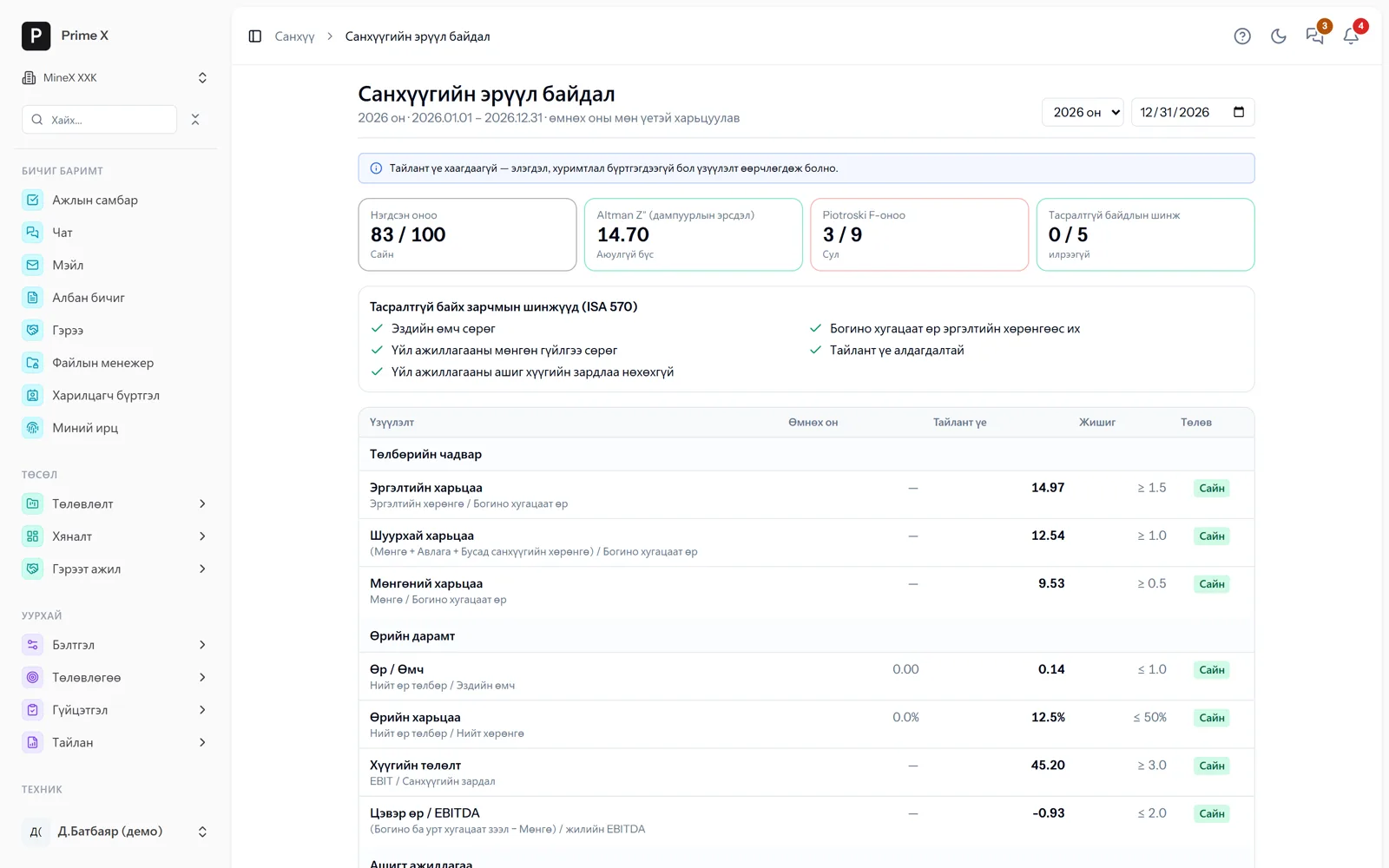
Combined score 83/100, Altman Z″ (bankruptcy risk), Piotroski F, 5 ISA 570 going-concern indicators; liquidity, leverage, profitability — 20 ratios with benchmarks and the previous year.
Great on the phone too
Cash requirements and financial health — on the director’s phone
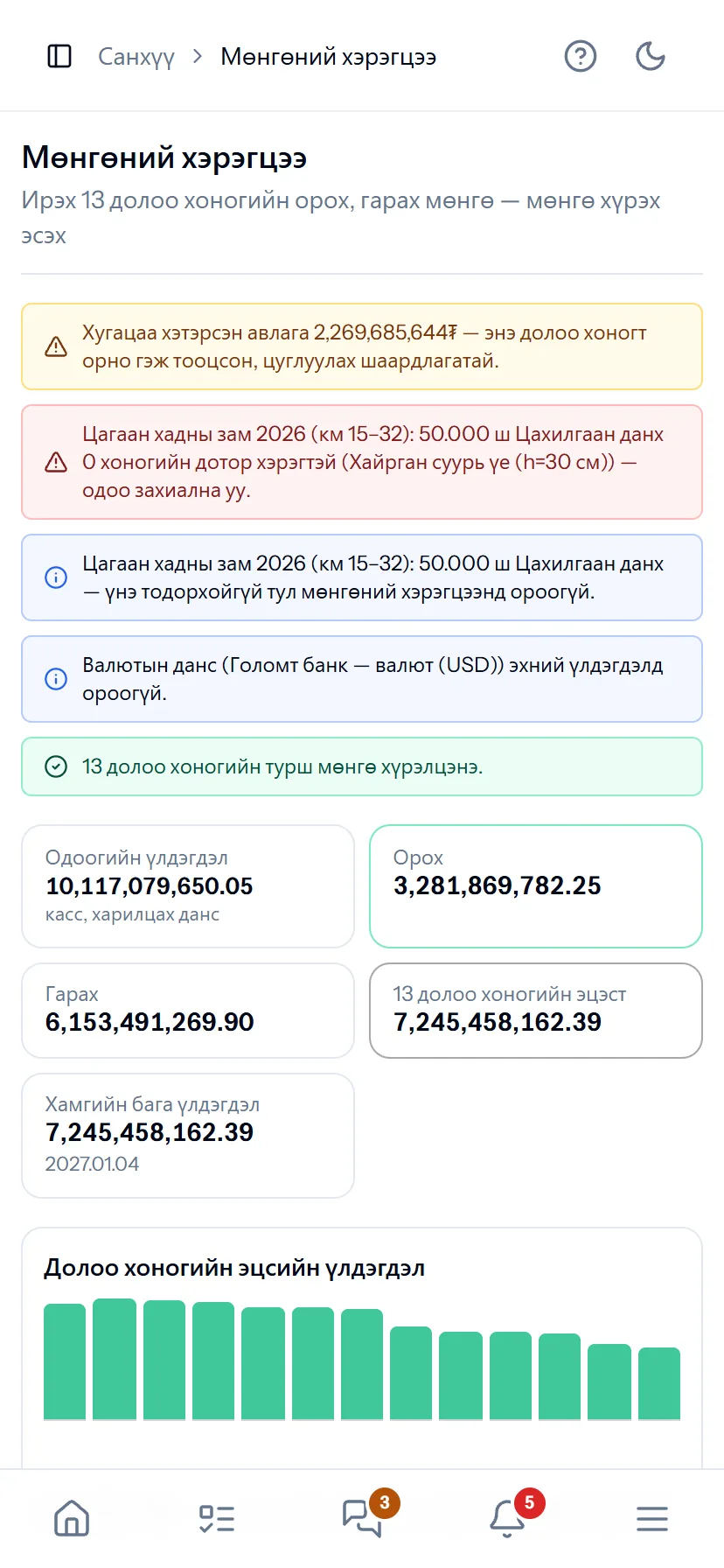
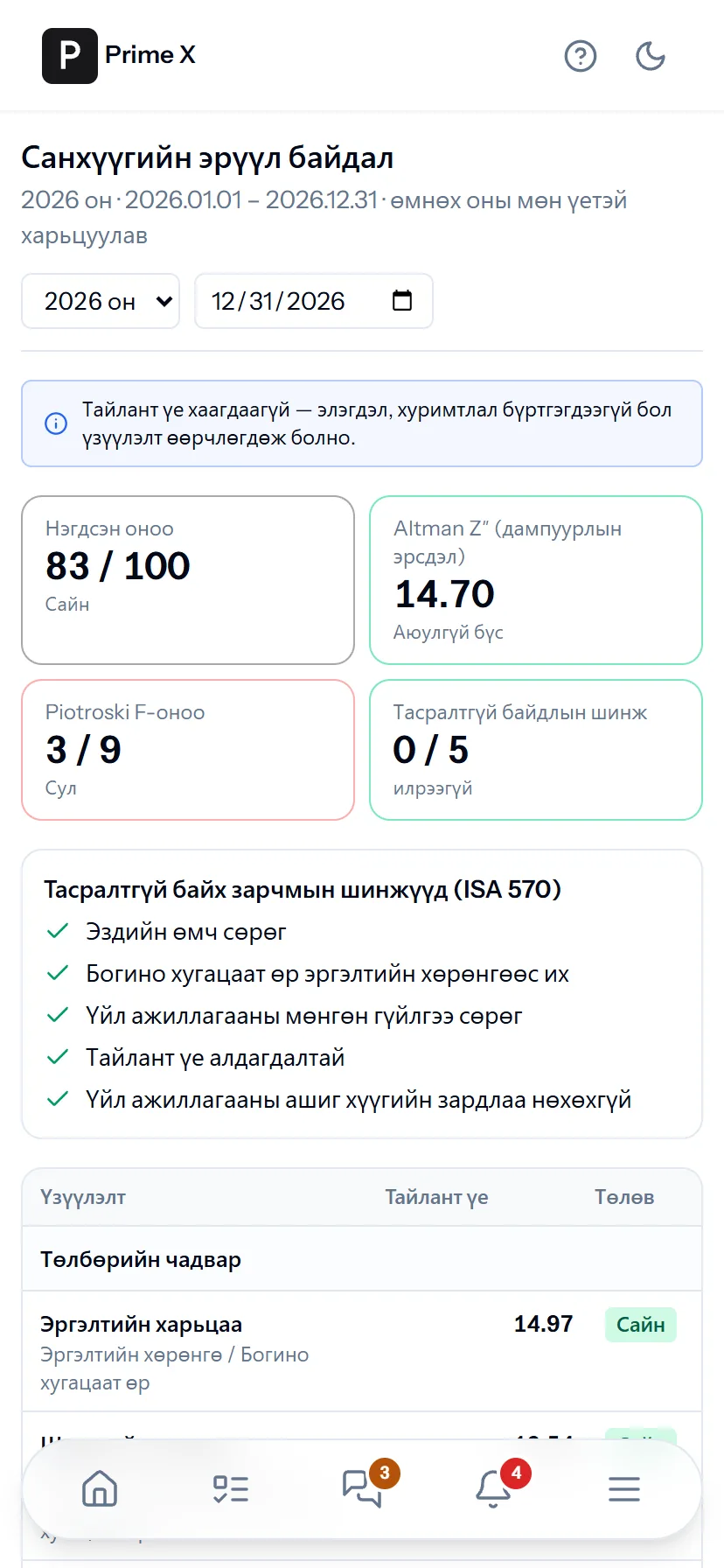
Whether cash will last the next 13 weeks, overdue receivables, urgent purchases — warnings on the phone. A combined financial health score and Altman Z″ — for investors and banks.
- Same account, same permissions — no difference between computer and phone
- Bottom menu: Home, Tasks, Chat, Menu — one tap
- No app to install, opens from the browser; Web Push notifications
What is included
Features of the Finance & accounting section
Cash and settlements
- Cash desk, bank accounts, exchange rates
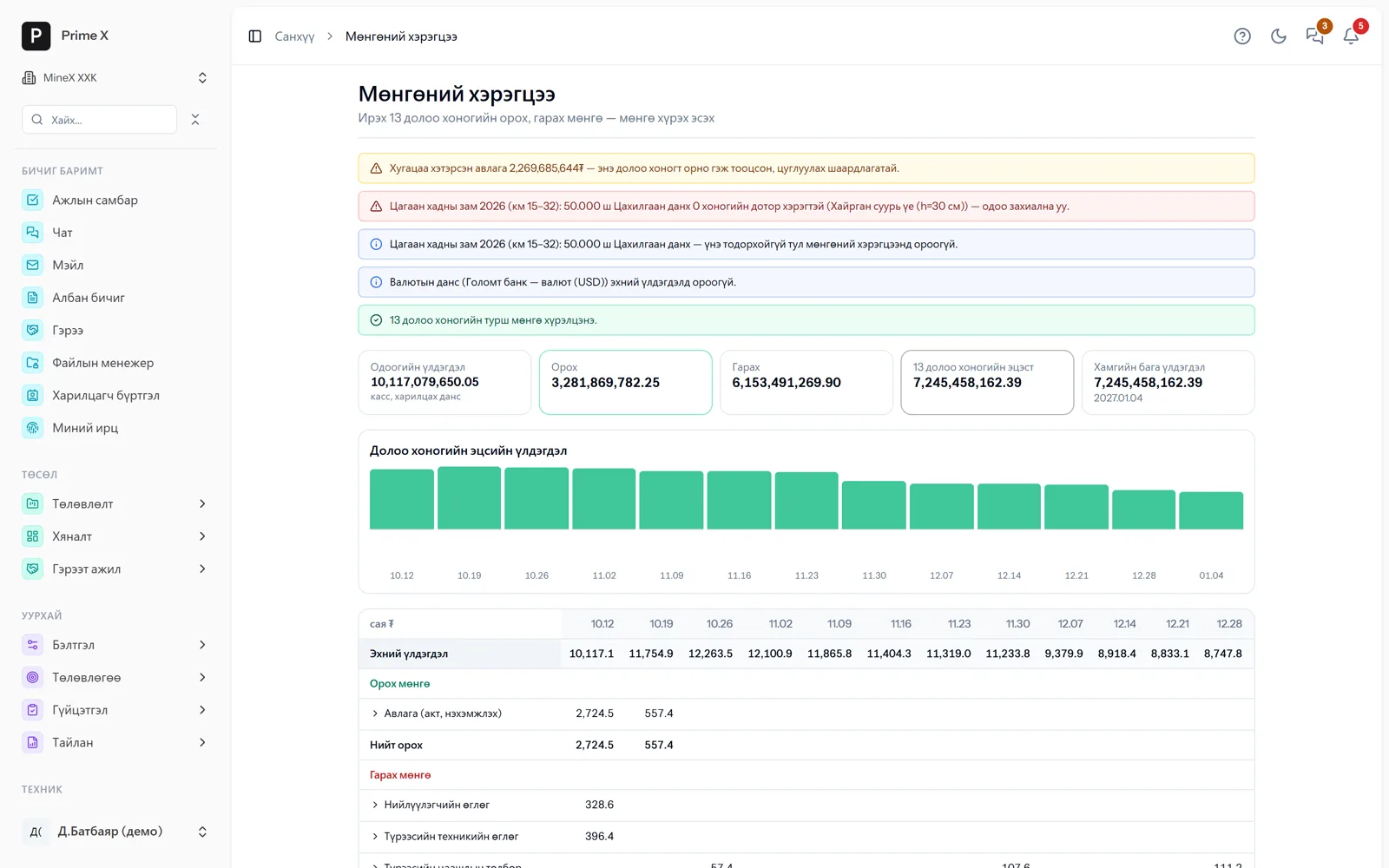
- Cash requirements — inflows and outflows for the next 13 weeks
- Bank statement reconciliation
- Cash vouchers (receipts / payments)
- Receivables, loans, counterparties
Assets, tax, payroll
- Inventory — FIFO, codes / barcodes, label printing
- Fixed assets, units, custodians, depreciation; capital construction in progress
- Stocktaking — goods, assets, cash, settlement reconciliation
- VAT; payroll, social insurance, income tax
Ledger, reports, control
- Financial health — 20 ratios, Altman Z″, Piotroski F, ISA 570
- IFRS 16 leases — from the contract payment schedule
- General ledger, chart of accounts, trial balance
- Financial statements (Ministry of Finance formats): balance sheet, income, cash flow
- Reports in MNT / CNY / USD, in 中文 and English (IAS 21)
- Period closing
- Adjustment rights, change history, deleted documents
Better in real life
Screenshots show only a small part of the system
A screenshot shows just one moment. On the real system, when the dispatcher changes a status you see the trip report change, the act appear and the ledger entry go in. The best way is 30 minutes together on your company’s data.
- With your equipment, employees and project names
- Questions answered on the spot and shown on screen
- Online or at your office
- No obligation, no charge
See it on the real system
Request a walkthrough Try the dispatcherThere is no open demo. Walkthroughs are done only at your request, for your company.
Ready to run your company on one system?
Screenshots do not fully show how it works in practice. We give a 30-minute walkthrough on your company’s data and draw up an implementation plan together — office, factory, clinic, road or mine, the whole system or a single module. If you have foreign investors we show the English and Chinese interfaces too.